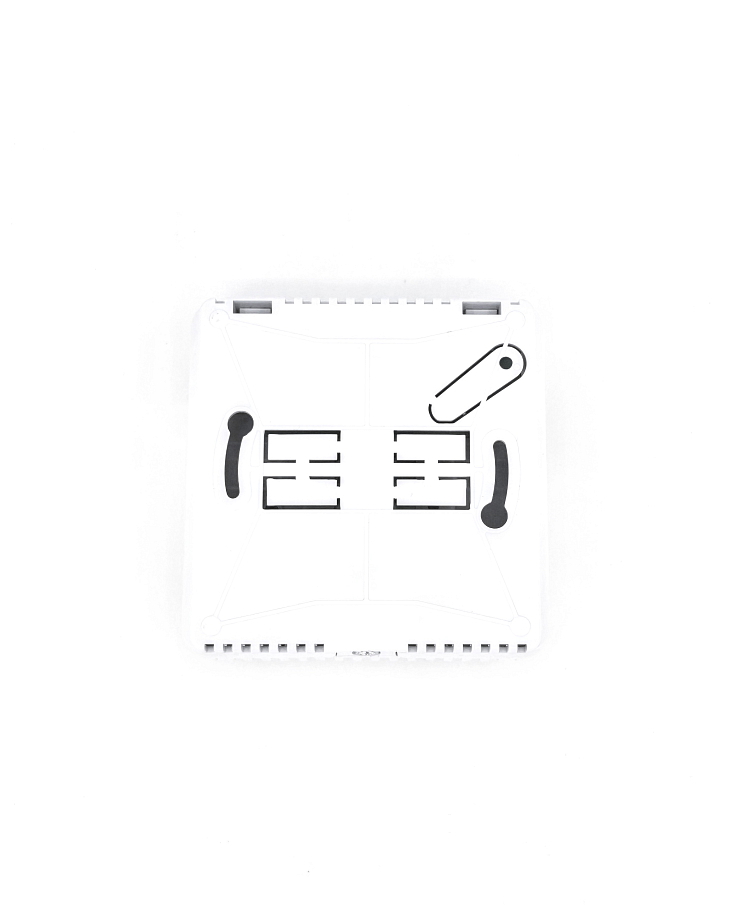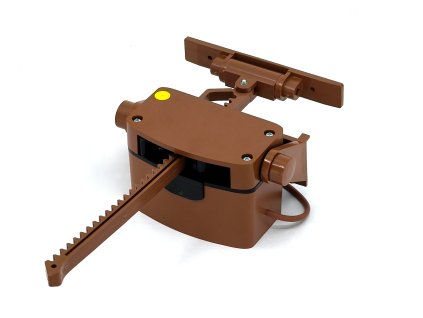
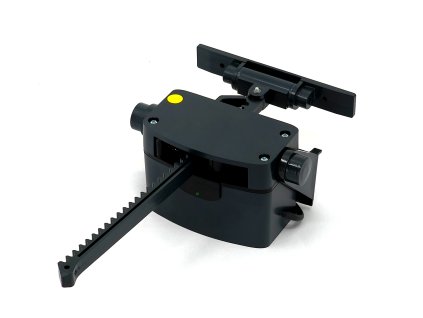
You Can Easily Connect the Sensor Yourself in 5 Steps
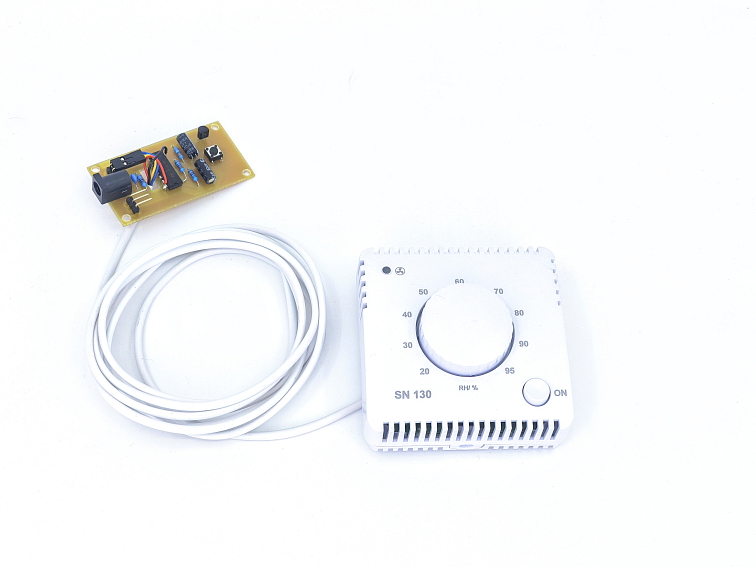
Humidity Sensor for SMARWI
Code: SMRW-HS-12VRelated products
Product detailed description

Safe and Simple Power Supply
Our sensor can be powered directly from the 12 V DC Smarwi power source.
- No separate socket required
- No handling of 230 V mains voltage
- Easy installation — even for non-professionals
Both power and signal connections are provided through a single shared cable, ensuring quick and straightforward setup.
Advantages of the Integrated Solution
- Safe low-voltage connection
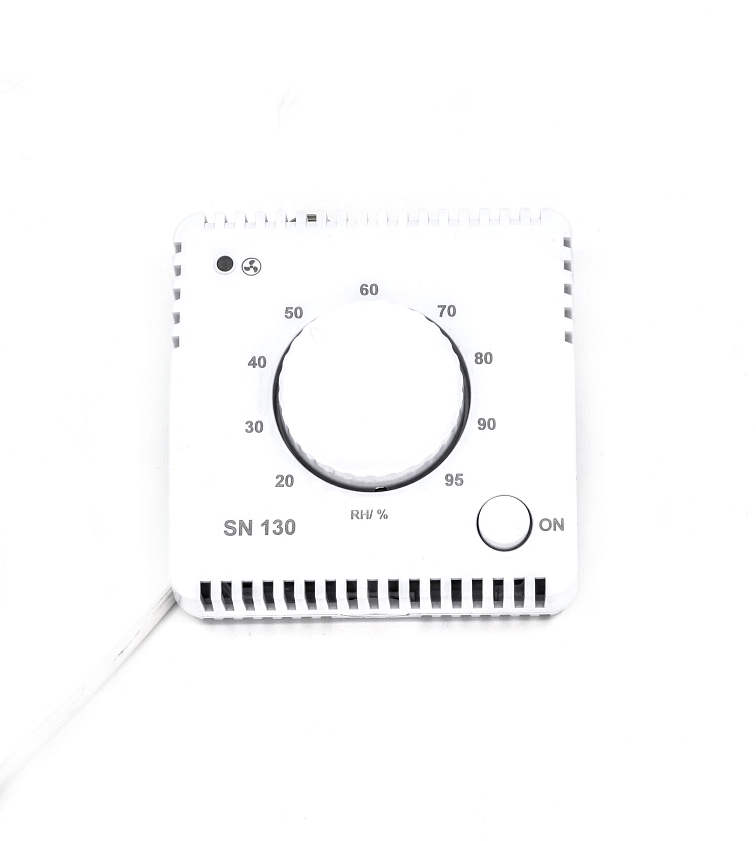
- Humidity measurement with adjustable activation threshold
- Direct integration with the Smarwi control button
- Manual ventilation activation via the button on the sensor
- Discreet design suitable for residential interiors

Button Preparation
Disconnect the power connector from the button. Remove the magnetic cover from the back of the device. Unscrew the four corner screws using a PZ1 Phillips screwdriver, then remove the rear cover of the button.
Removing the Original Board
Remove the electronic board with the button and connected cable. Carefully disconnect the rectangular cable from the connector.
Installing the Sensor
Pass the sensor cable through the opening in the board towards the connector. Connect the sensor connector to the electronic board. The black cable must point outwards from the power connector! Place the board back into the housing so that it fits into its original position.
Completing the Assembly
Replace the back cover on the button. Tighten the four screws. Reattach the magnetic cover. Connect the power connector.
Setup and Commissioning
Set the desired parameters on the sensor (e.g., activation type). After connection and system initialization, your Smarwi will work as before, but with the added option of being activated by the connected sensor. Image description (delete to omit) Image description (delete to omit) Image description (delete to omit) Image description (delete to omit) Image description (delete to omit) Image description (delete to omit) Image description (delete to omit)
 Technical Specifications
- Power supply: 12 V DC
- Power consumption:<1 W
- Hysteresis: 5% RH
- Humidity adjustment range: 20–95% RH
- Operating temperature: 0–40 °C
- Operating humidity: 0–95% RH, non-condensing